
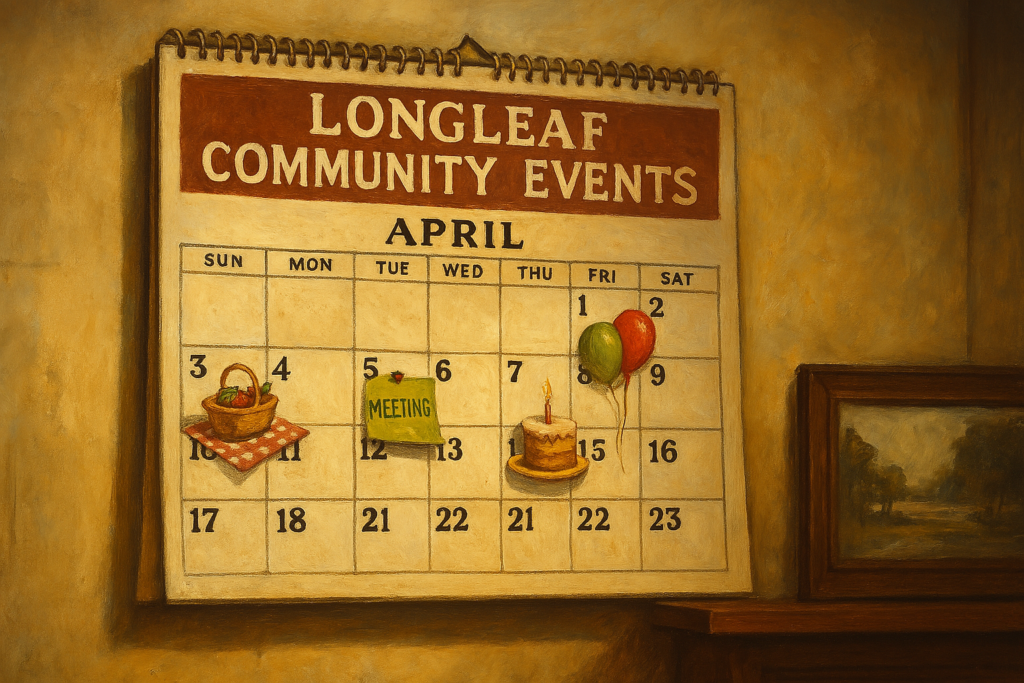
Welcome to the Longleaf Community Calendar! Whether you’re organizing a picnic, club meeting, or neighborhood gathering, our Event/Reservation form makes it easy to share your plans with others. Below is a simple step-by-step guide to help you feel confident submitting your event.
At the very top of the form, you’ll see “Add New Reservation or New Event.”
This is where you type in the name of your event — something like:
“Poolside Cookout,” “Book Club Meetup,” or “Neighborhood Game Night”.
Make it short, clear, and fun!
You’ll see a dropdown menu labeled “Venue.”
Just click it and choose one of our preset locations such as:
Post Office
Pool Area
Green Space
Venue Included in Description (if you’re meeting elsewhere)
Note: You won’t be asked to create or add a new venue – we’ve kept it simple.
Here, you’ll provide a little bit about yourself or the main point of contact for the event.
You’ll see spaces to enter:
Name
Phone Number
Email Address
This helps others know who to contact if they have questions.
Scroll down to the Event Image section. Click to upload a picture that represents your event.
This could be a photo from a past event, a flyer, or even just a fun image. It helps your event stand out on the calendar!
Here’s where you describe your event in more detail.
You can switch between “Visual” (for a simplified text editor) and “Text” (for those who know HTML). If you’re not sure, stick with Visual – it’s like writing an email.
In this section, you can include:
What the event is about
What to bring
Who should attend
Any special notes
Take your time here — and don’t worry, it doesn’t have to be perfect.
This section lets you choose when your event will happen.
You’ll be asked to pick:
Start Date & Time
End Date & Time
(Optional) If your event repeats weekly or monthly, you can set that too.
🕓 Tip: If your event takes place over multiple days, make sure to enter the full range.
Once everything looks good, scroll to the bottom and click the Submit button.
You’ll see a confirmation message, and your event will be reviewed and added to the calendar shortly.
If at any point you feel stuck, don’t worry!
We offer personalized website training – by appointment only.
We can meet at your home or the Post Office. Just let me know, and we’ll walk through it together. Reserve your time now by contacting me at admindfb@longleaf.us